Your notes should come to you
I really, really did not want to make another notes app. I spent a long time looking for an alternative that had all the features I wanted.
Chief among these was the option to bring my notes to me, without having to go hunting for them in a browser/some other app.
In other words, when I have an idea/note/task as I’m plowing away in Codex or Claude, I don’t want to open up Chrome, or switch windows just to jot the idea down. I want to summon my notes app, get the idea out of my head quickly, then jump back into what I was doing without breaking the zone.
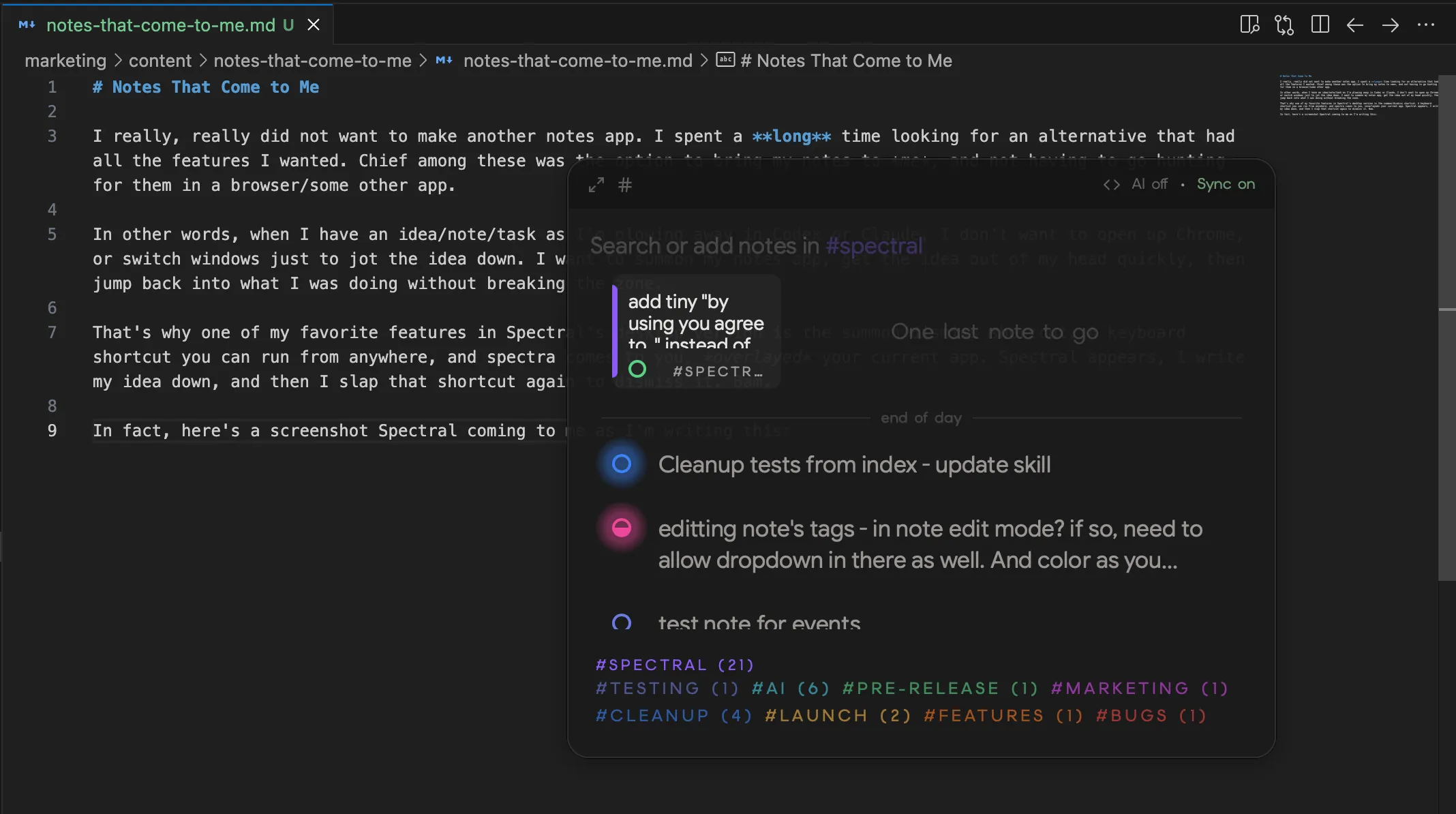
That’s why one of my favorite features in Spectral’s desktop version is the summon/dismiss shortcut. A keyboard shortcut you can run from anywhere, and Spectral comes to you, overlaying your current app.
Spectral appears, I write my idea down, and then I slap that shortcut again to dismiss it.
In fact, here are screenshots of Spectral coming to me as I’m writing this blog:
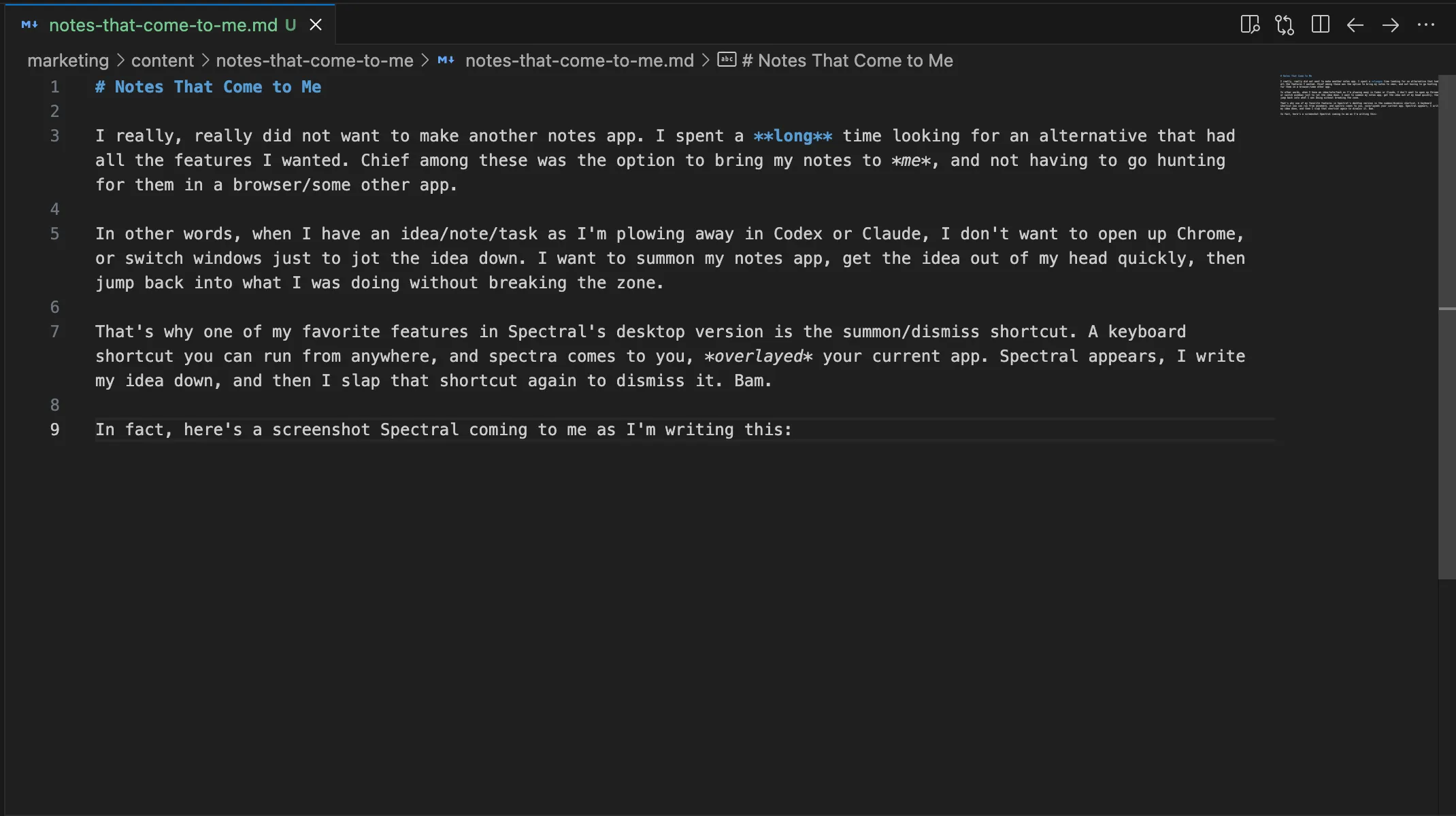
I press:
Cmd + Shift + J on Mac, or
Ctrl + Alt + J on Windows
And bam, there it is:
While there are a few (surprisingly few) alternative apps that do have this shortcut + overlay feature, they were missing other things I wanted: phone sync, offline mode, light-task management, and more.
And that’s (mostly) why, after all the agonizing over whether I was really going to build yet another notes app, I did.